E-learning has an attention problem that no amount of animation can solve on its own. A video is useful when it introduces a situation, demonstrates a skill or shows a consequence. It is less useful when it is a slide deck with a play button.

The boy in VR is a reminder that immersion is not the same as understanding. A headset can make a lesson memorable, but the learning still depends on clear goals, practice and feedback.
Chunk the story
Short videos are easier to schedule, revisit and translate. Break a long module into three- to six-minute chapters, each with one objective. Give each chapter a title that says what the learner will be able to do afterwards.
Use motion to show change: before and after, cause and effect, right and wrong. A simple animation of a process is often more effective than a talking head explaining the same process.
Scenarios beat narration
Adult learners engage with problems they recognise. A short scenario — a customer complaint, a safety check, a software task — gives the viewer a reason to care. Pause for a question, offer a choice, then show the result.
Stock footage can establish the world of the scenario, but the decision should be specific. A generic office shot is fine as a background; the screen recording, the document and the conversation are what teach.
- Objective: one measurable thing the learner will be able to do.
- Scenario: a situation that feels familiar and consequential.
- Demonstration: the steps shown clearly, without distractions.
- Practice: a moment where the learner makes a choice.
- Feedback: an explanation of why the choice worked or did not.
Design for the learning platform
Most courses are watched on laptops, tablets and phones, often with headphones in a noisy room. Captions are not optional. Keep text large enough for a small screen, avoid essential audio-only information and provide a transcript.
If the course is delivered through an LMS, check the file size, format and player controls. A beautiful video that will not load is not a learning asset.
Measure understanding, not views
Completion rates tell you who finished. They do not tell you who understood. Pair video with quizzes, reflections and practical tasks. Use the data to find the points where learners stop or fail, then improve the sequence.

For onboarding, the goal is confidence. A new employee should know where to find things, who to ask and what good looks like. Short, specific videos with real people from the company outperform polished generic productions.
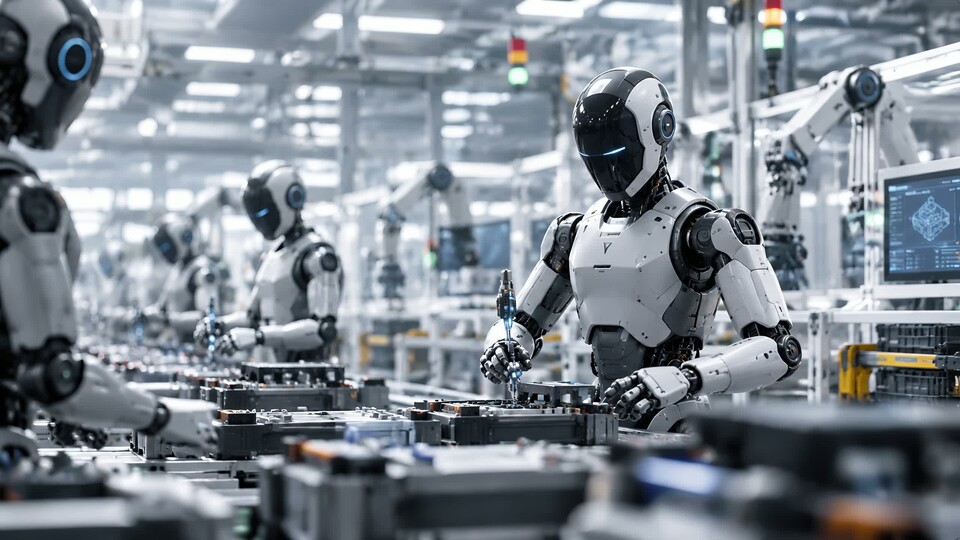
For technical training, show the actual equipment and the actual procedure. A humanoid robot animation can inspire, but a close-up of the real control panel is what someone needs on the floor.